> For the complete documentation index, see [llms.txt](https://docs.blusapphire.io/llms.txt). Markdown versions of documentation pages are available by appending `.md` to page URLs; this page is available as [Markdown](https://docs.blusapphire.io/m-soc/m-soc-or-log-collection-and-forwarding-guide/rpm-package-installation.md).
# RPM Package Installation
Installing on RPM-based Linux Systems (e.g., CentOS, RHEL, Fedora)
### Supported Systems
The deployment package supports **RPM-based Linux distributions** with the following requirements:
**System Requirements:**
* **GLIBC Version:** Must be **2.28 or greater**
#### How to Check GLIBC Version
Run the following command in your terminal to verify the GLIBC version:
```bash
ldd --version
```
If the output shows a version below 2.28, you will need to update GLIBC or upgrade your system.
### Installation Steps
#### Follow these steps to install the BluLogShipper package on RPM-based systems:
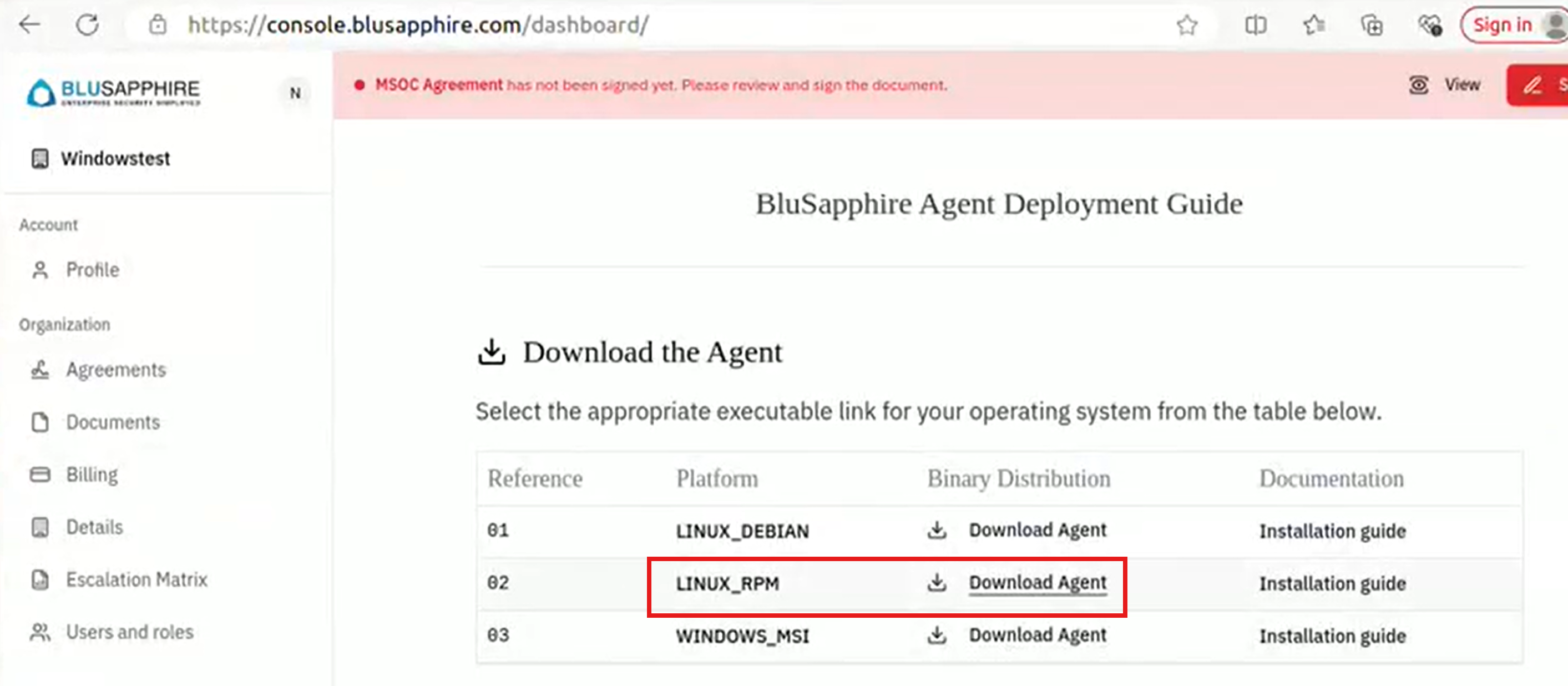
1\. Log in to the portal and download the BluLogShipper RPM package (`blulogshipper_rpm.zip`)
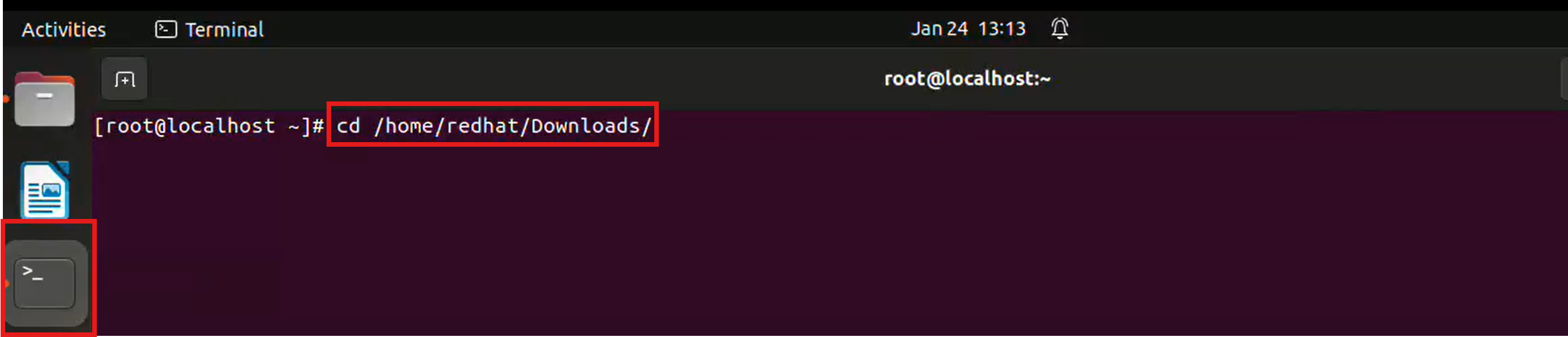
2. **Launch a Terminal** and navigate to the directory where the package was downloaded. Example:
```bash
cd /path/to/downloads
```
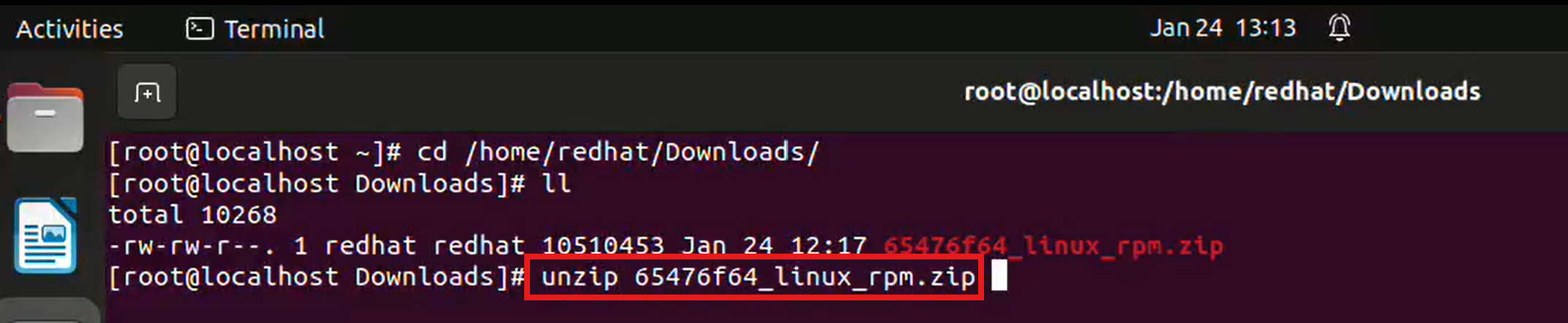
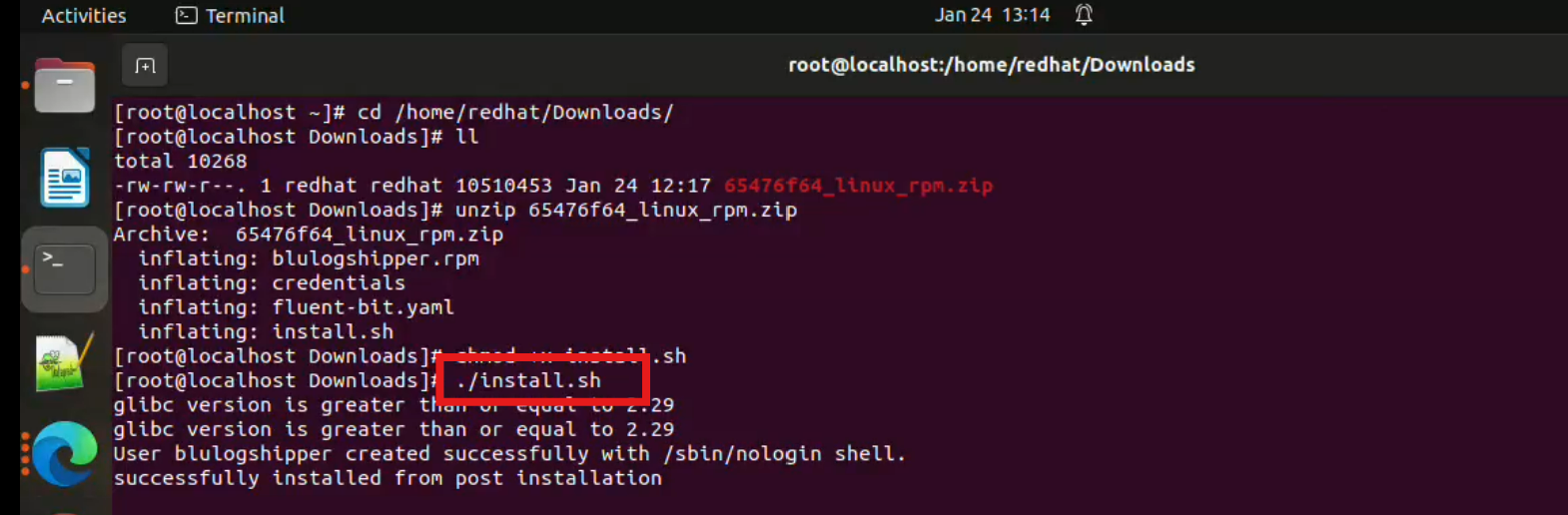
3. Extract the contents of the downloaded `.zip` file using the `unzip` command:
```bash
unzip *_linux_rpm.zip
```
If `unzip` command is not available, install using the command `sudo yum install unzip`
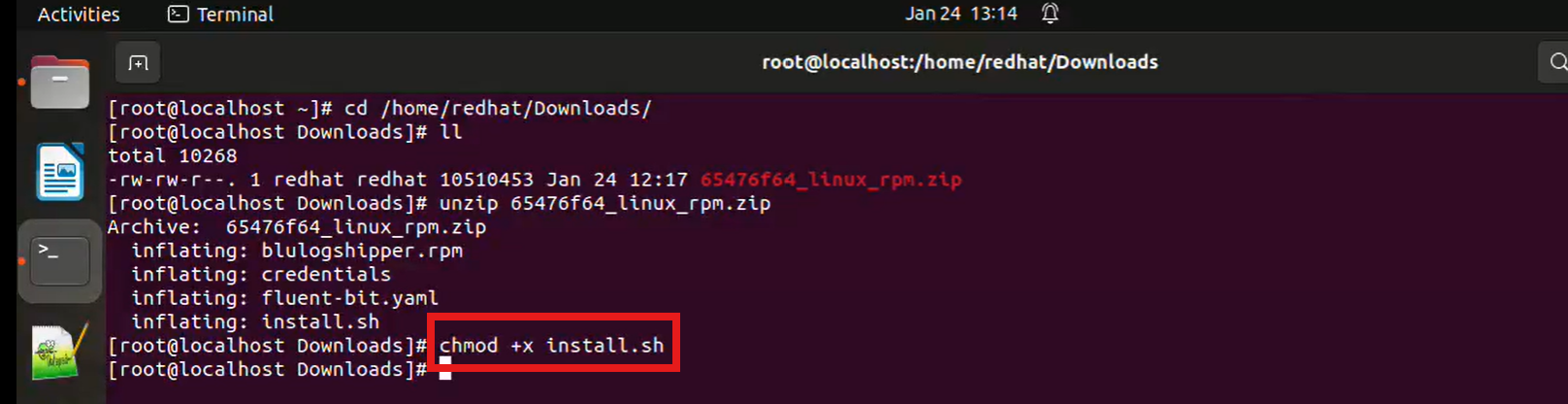
4\. Navigate to the extracted directory, use `chmod +x` command to make a file executable
```bash
chmod +x install.sh
```
5. Execute the installation script with superuser privileges to install the package:
```bash
sudo ./install.sh
```
6. Verify the Installation
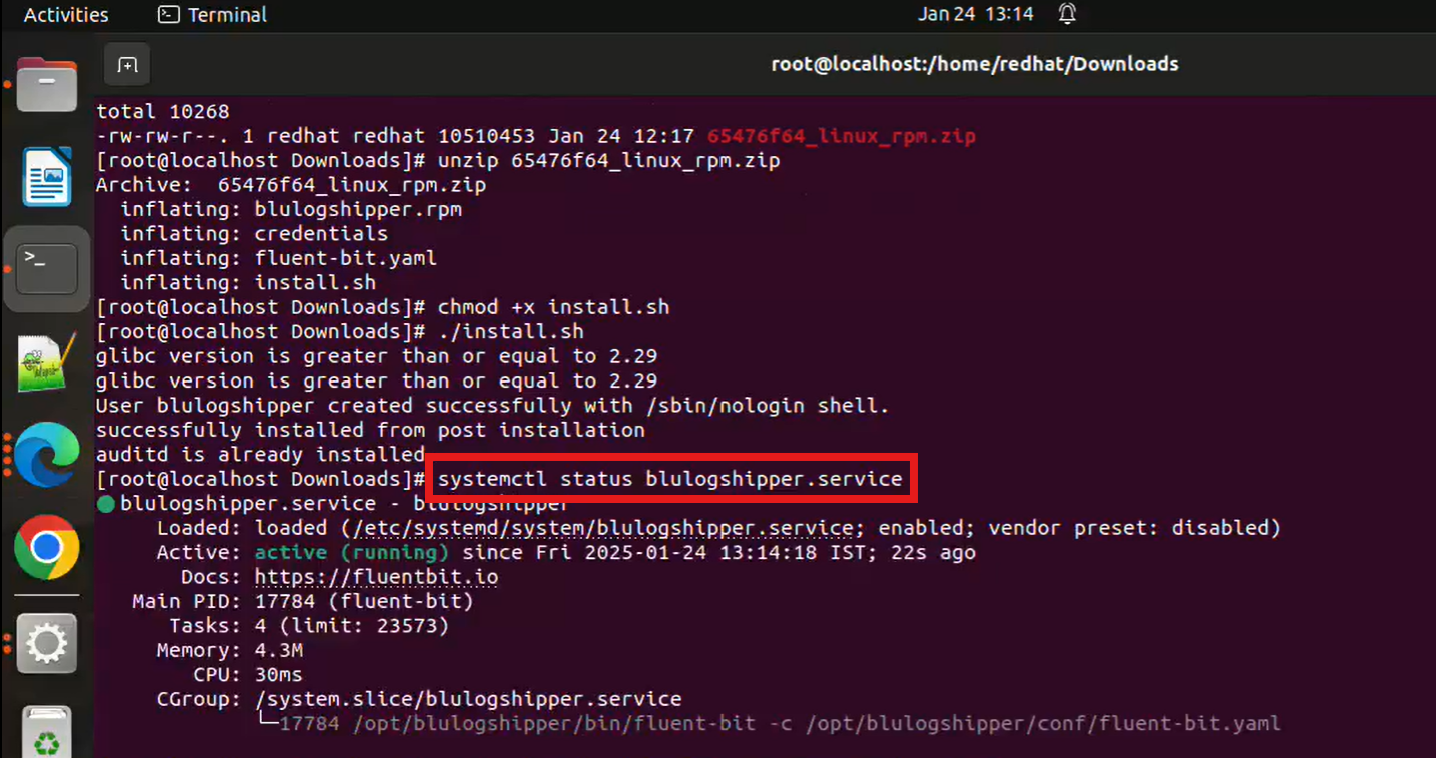
To ensure the package is installed correctly, verify that the service is running:
```bash
sudo systemctl status blulogshipper.service
```
If the service is not active, you may start it using:
```bash
sudo systemctl start blulogshipper.service
```
{% embed url="" %}